

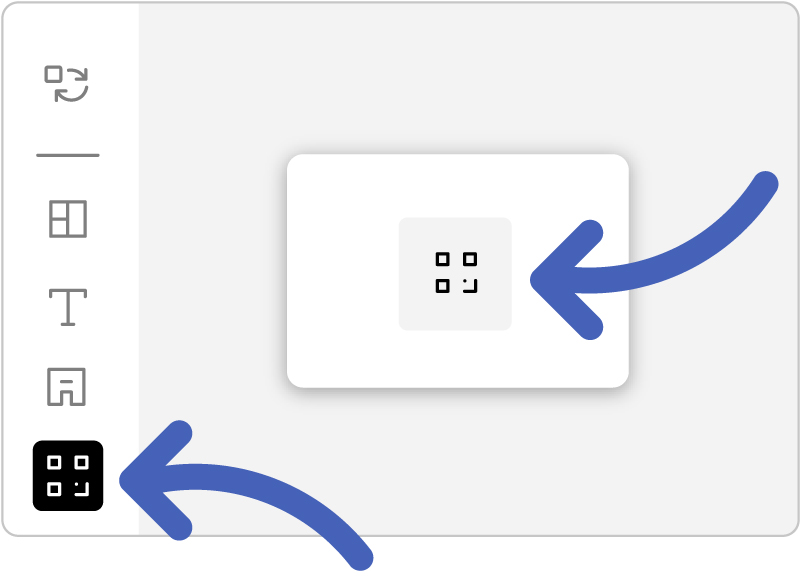
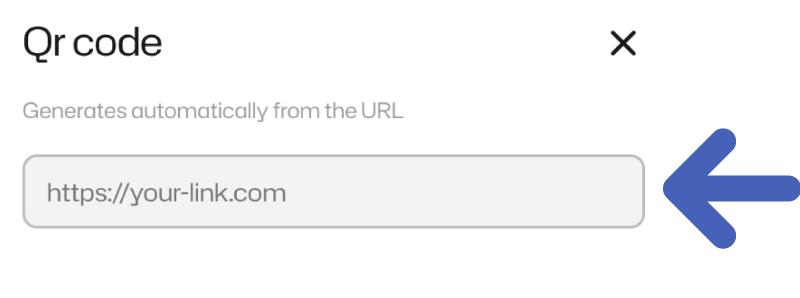
The link must start with http:// or https://
 QR codes are only available in layouts that include a dedicated QR code area.
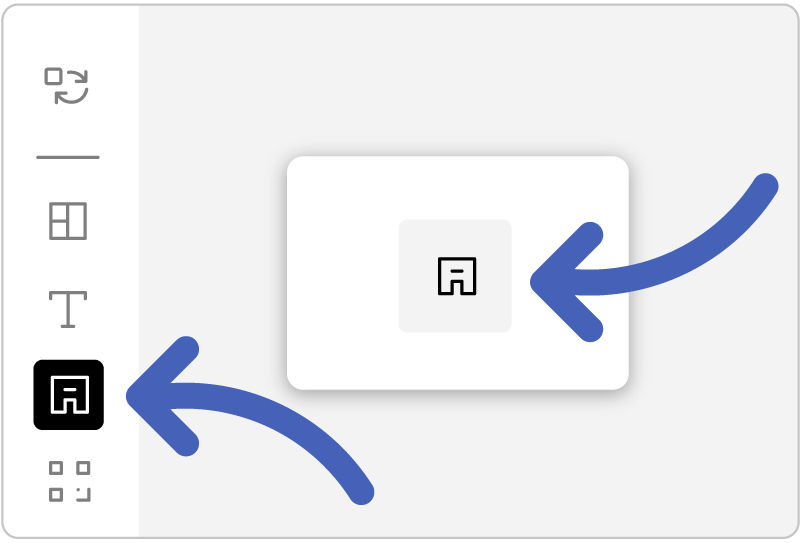
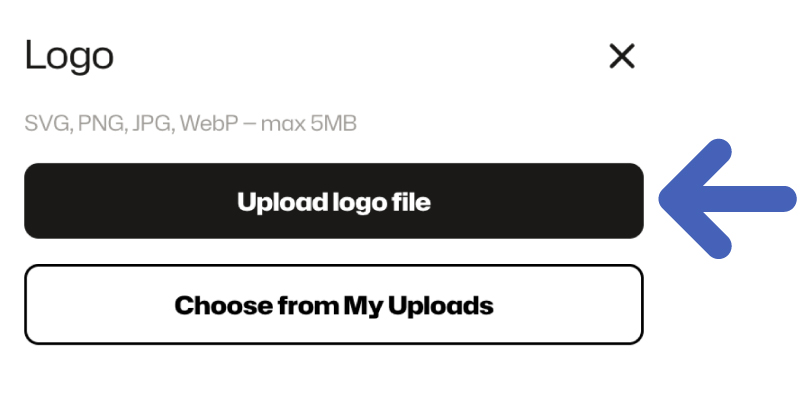
Supported formats:
SVG, PNG, JPG, WebP
Max file size:
5 MB
Logo upload is only available in layouts that include a dedicated logo area.
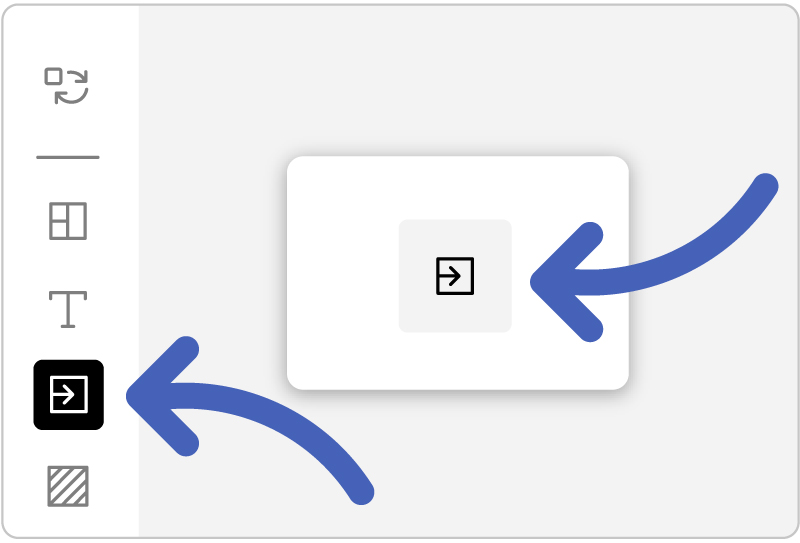
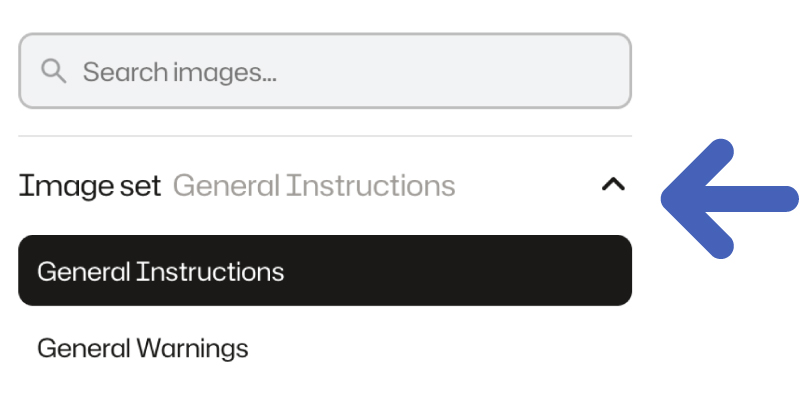
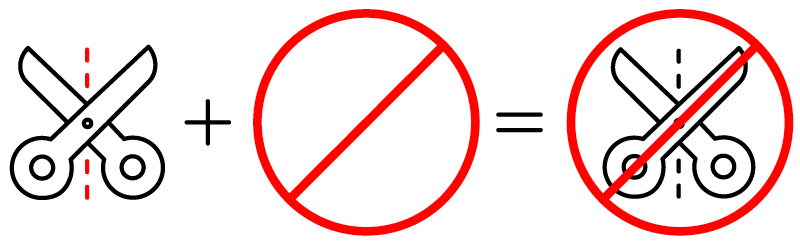
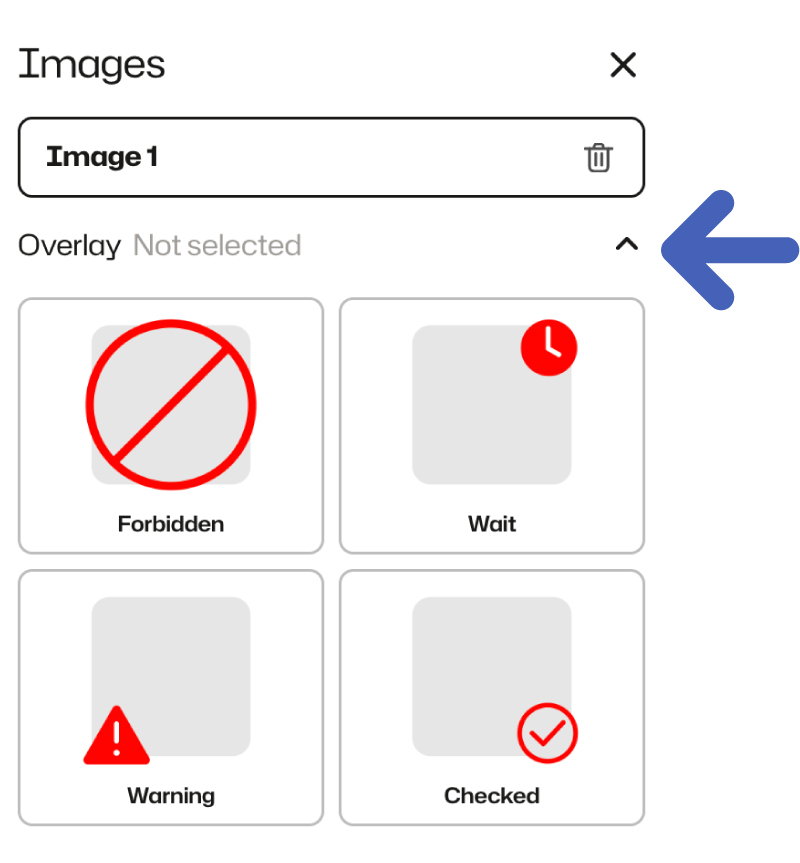 Overlays are not available for vertical or location images.
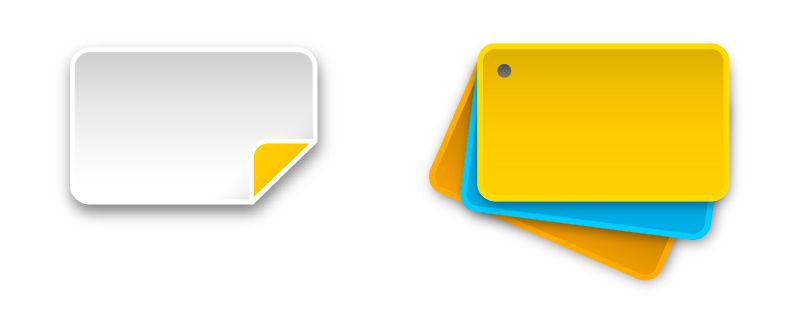
i-builder supports two product formats: Sticker and Card. Stickers are single-sided. Cards are double-sided — front and back.
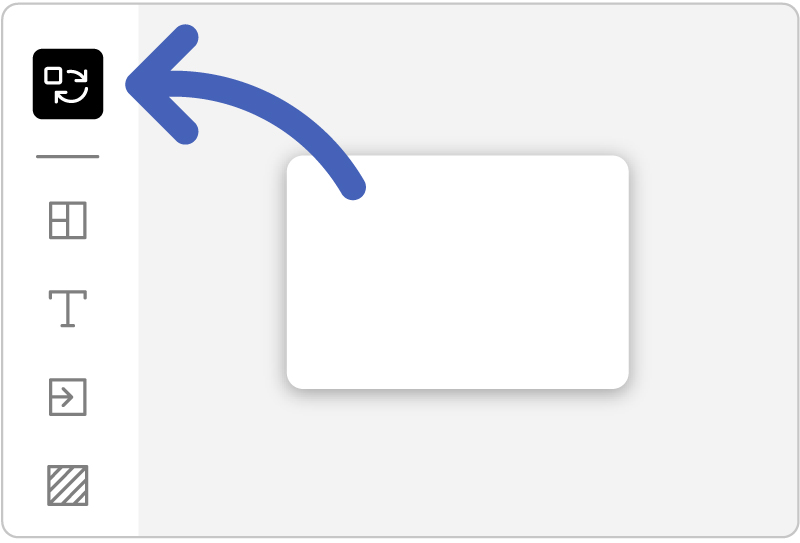
 Switching formats will clear all current design data.